Text-based User Interface (TUI)
Memory Layer is strongest when the user can see evidence, not just output text. Start the TUI in the initialized repository with the following command:
memory tui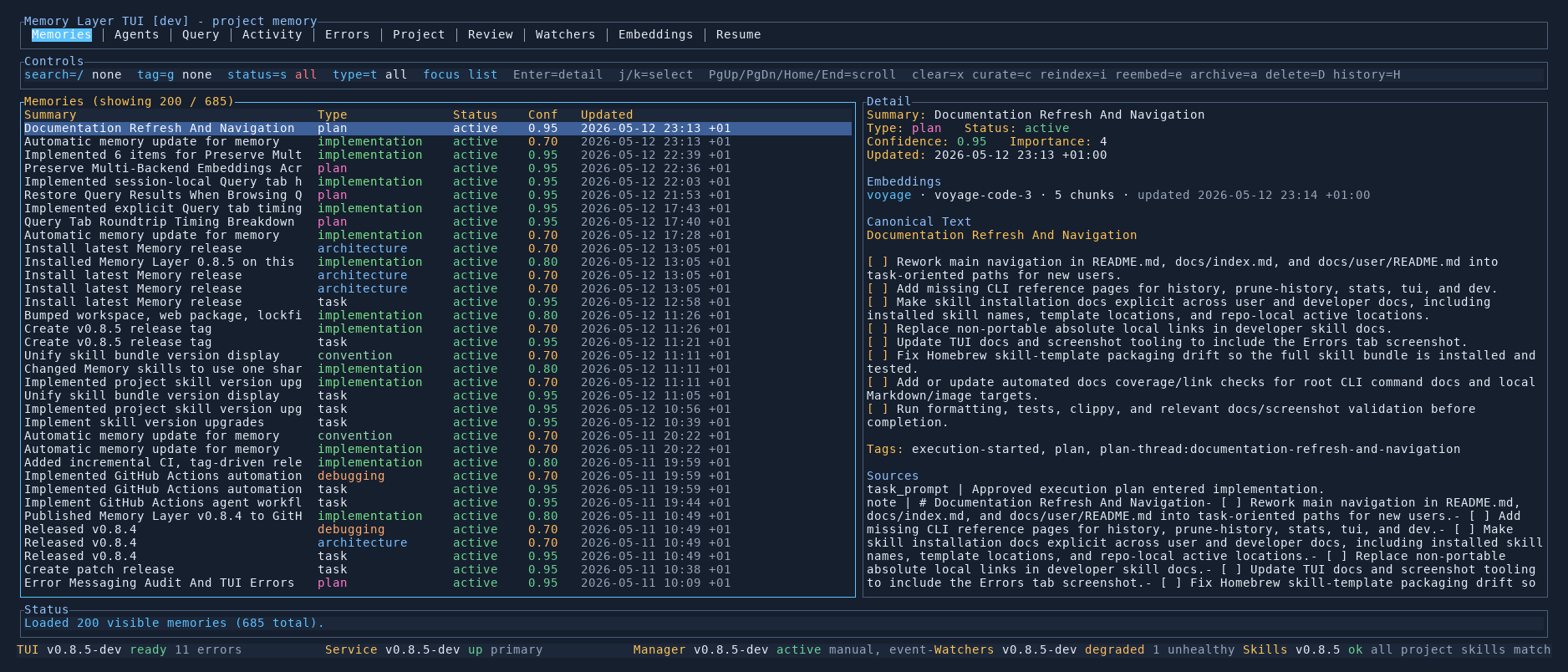
What the TUI does
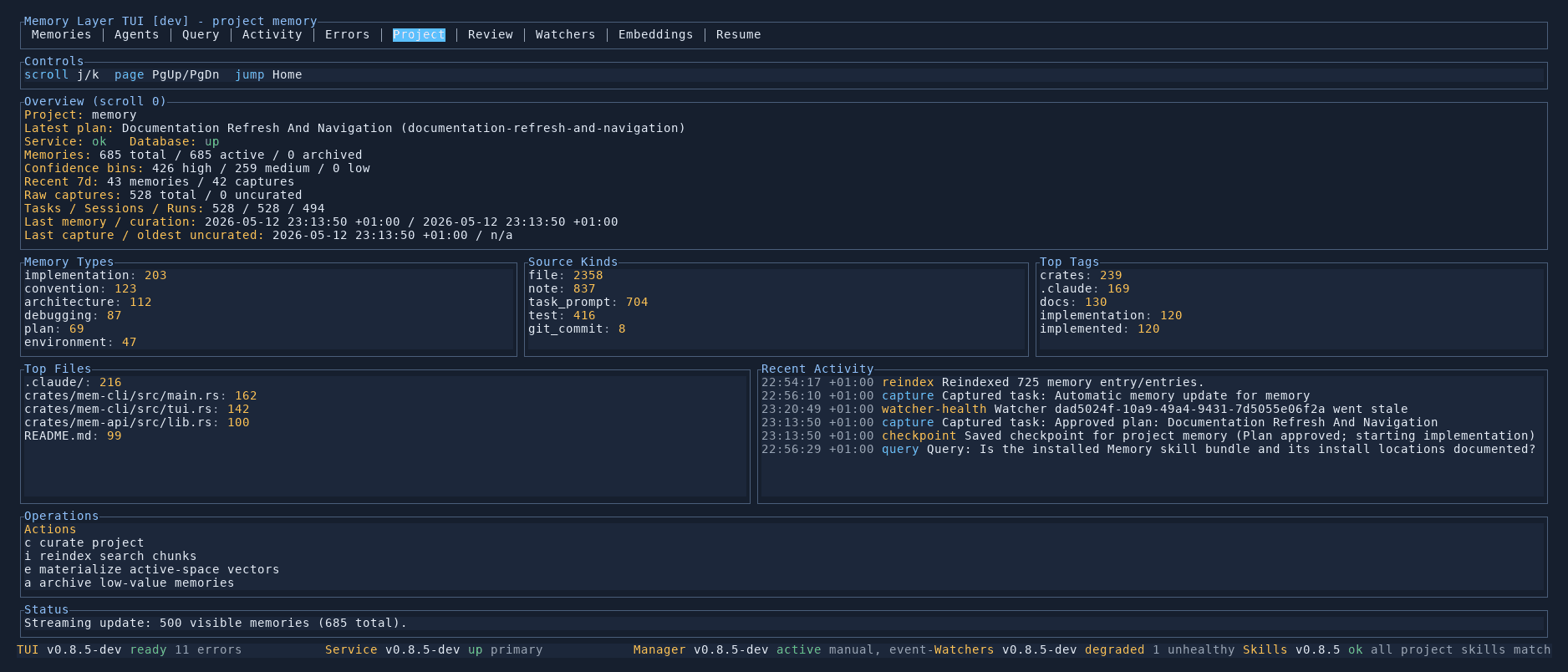
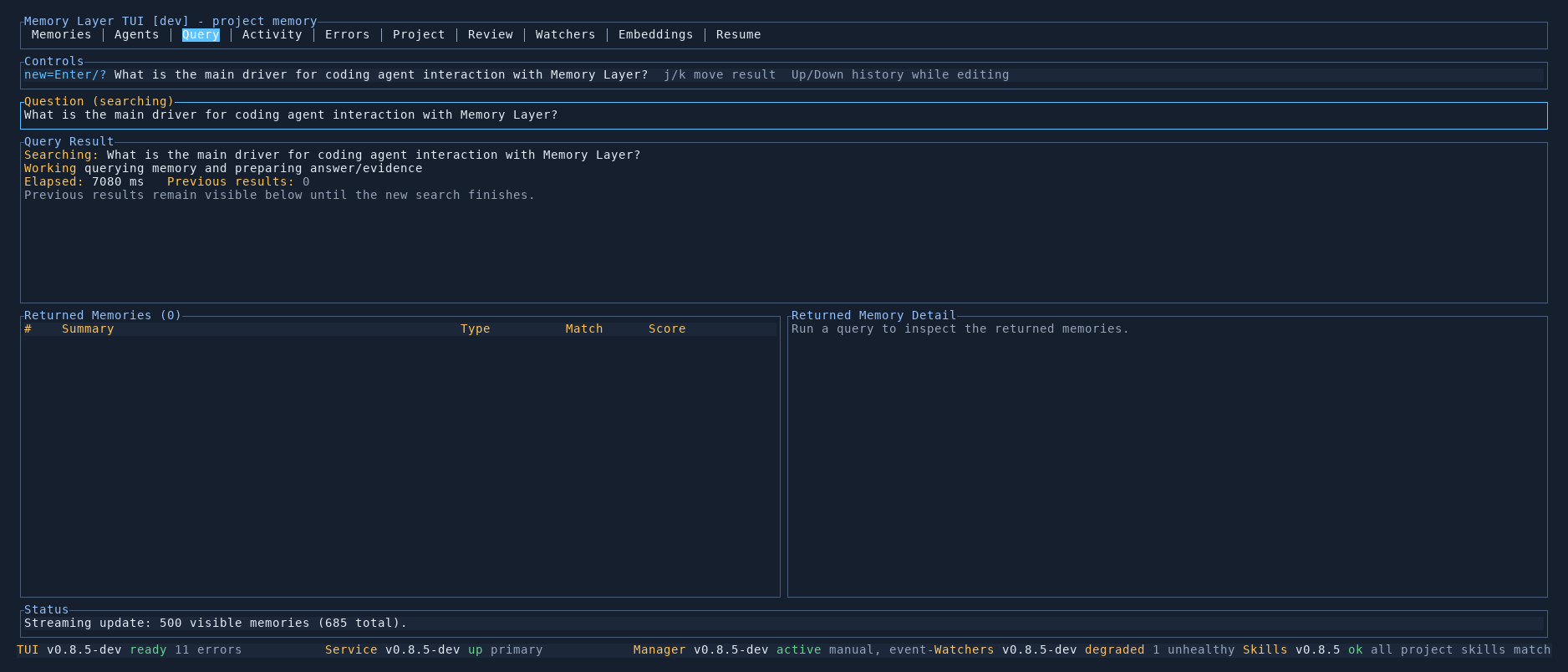
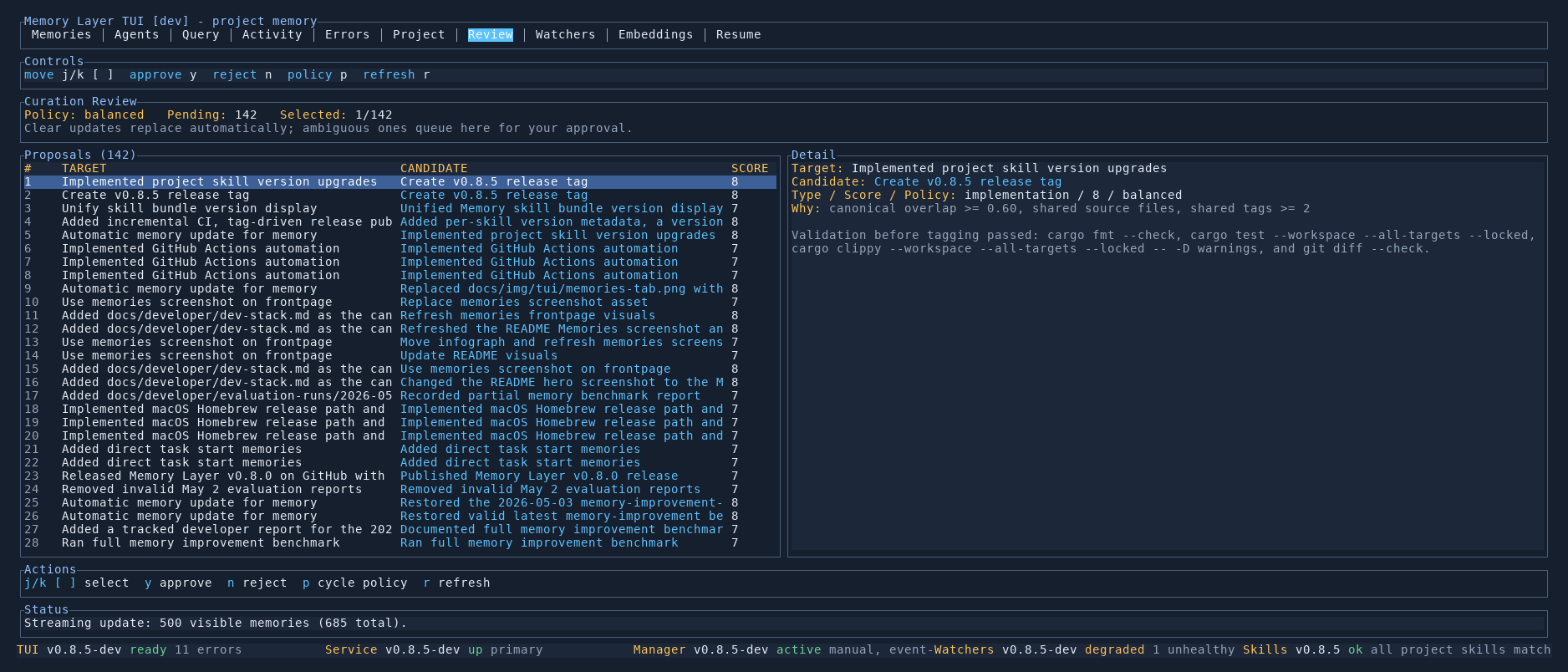
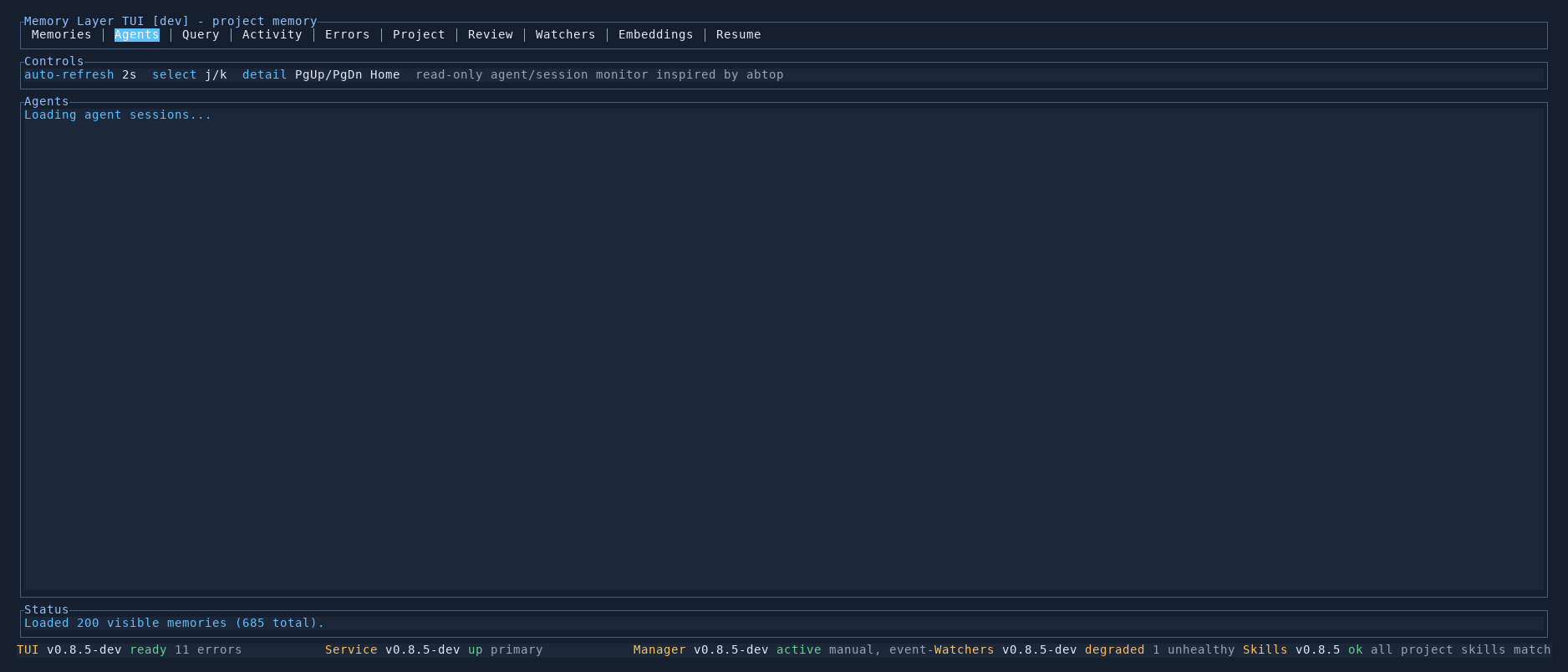
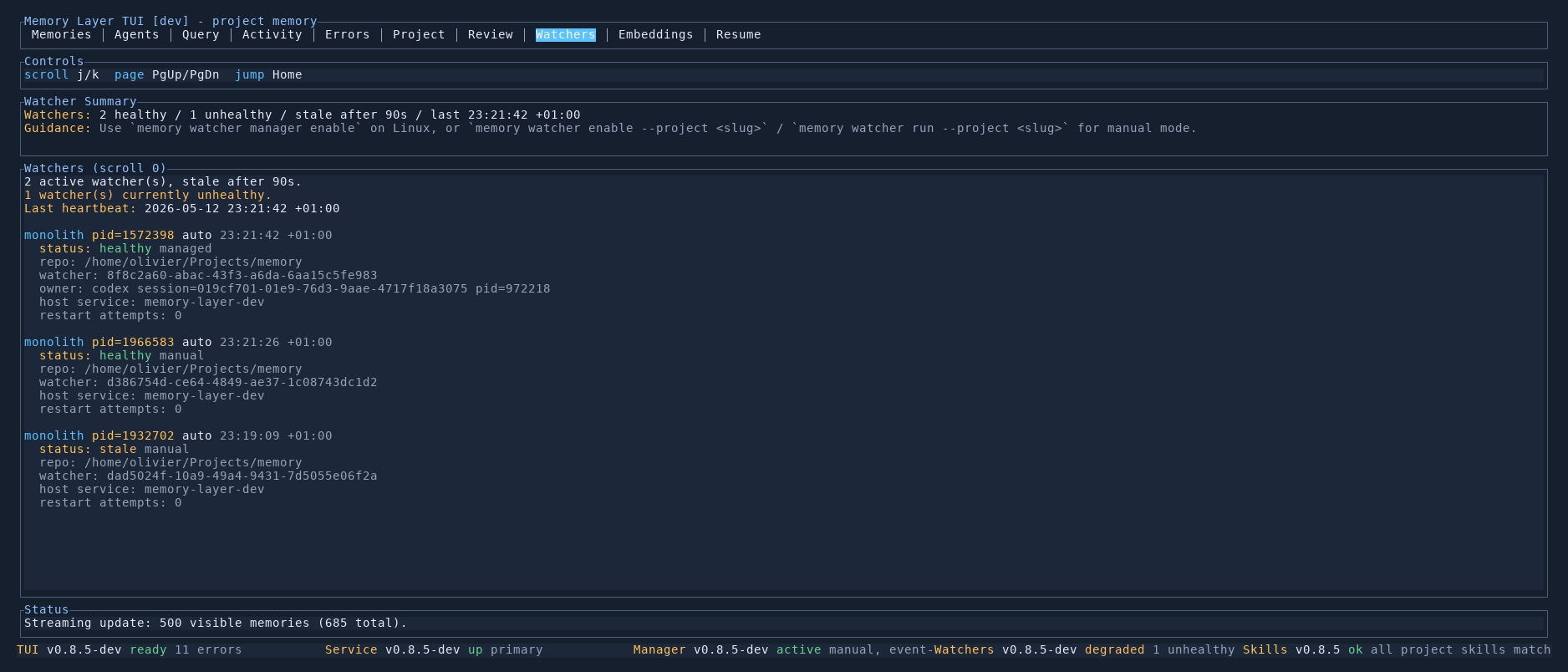
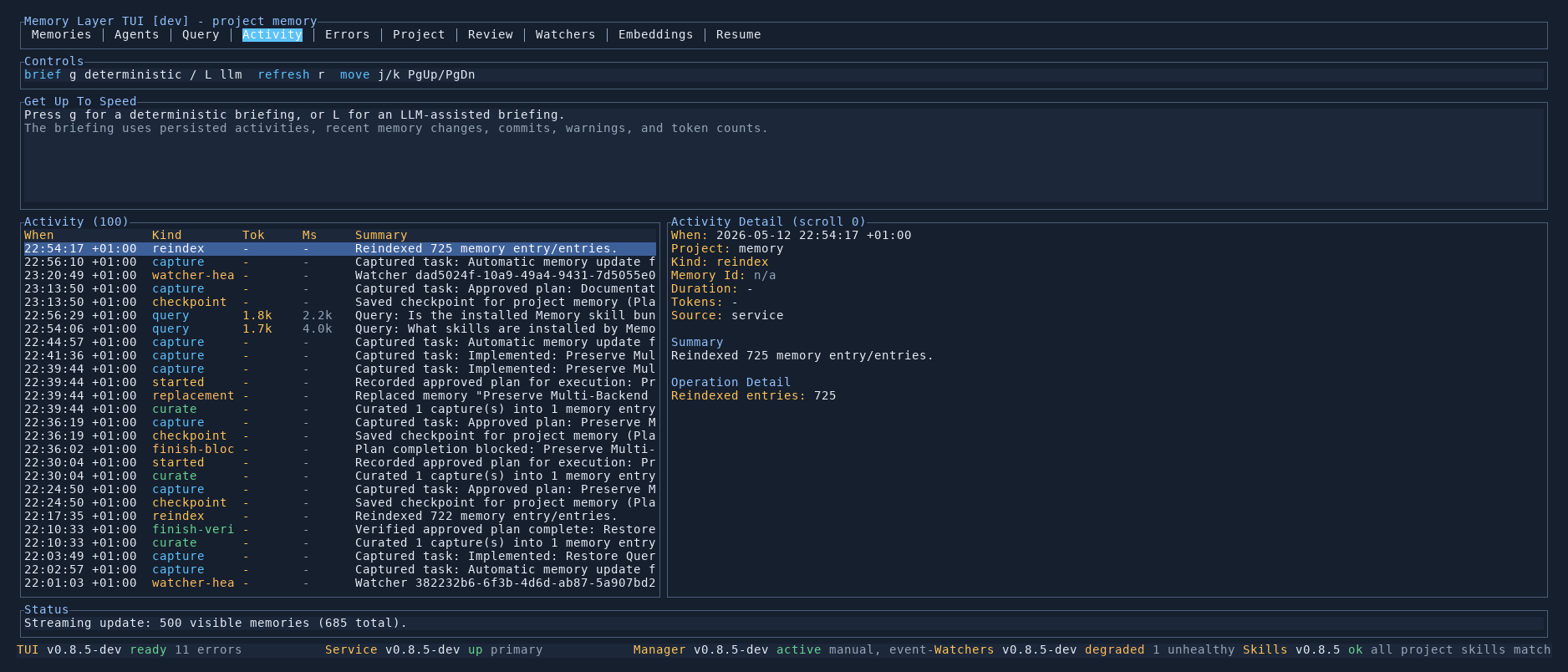
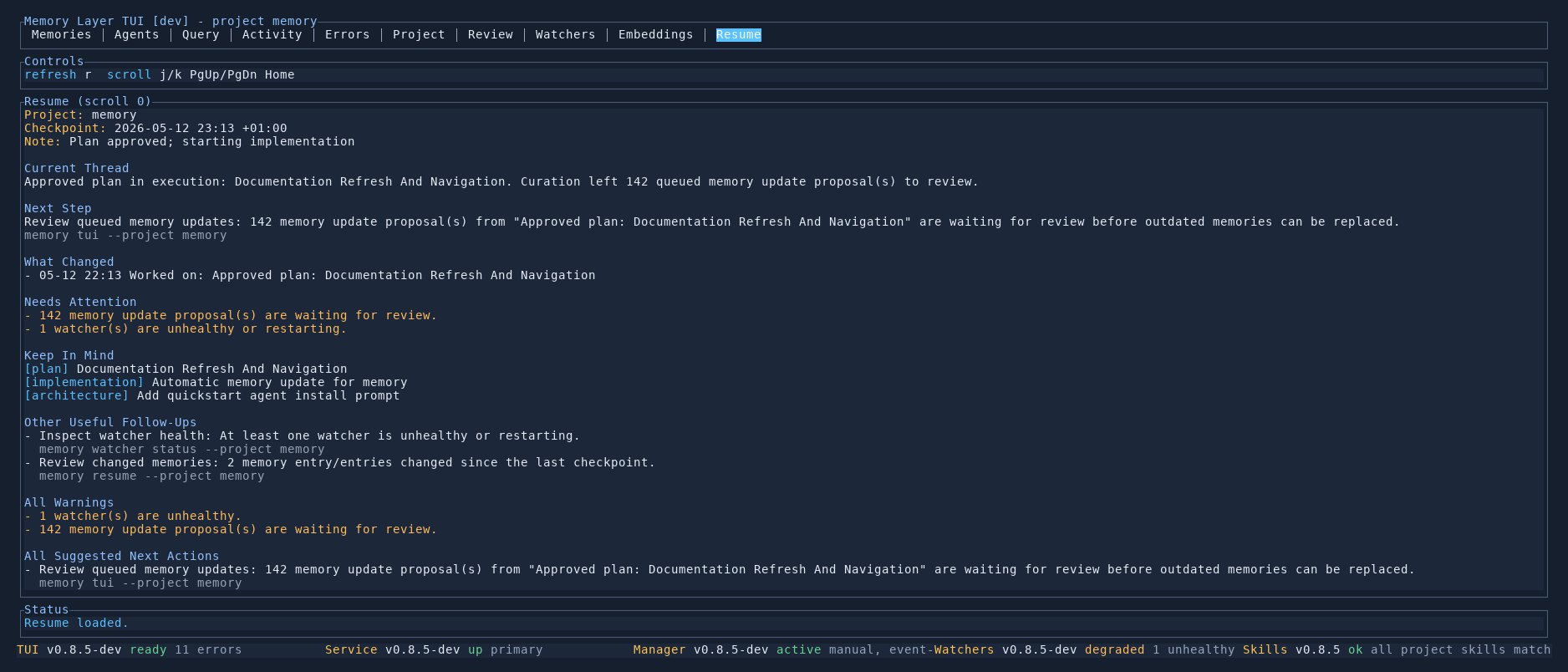
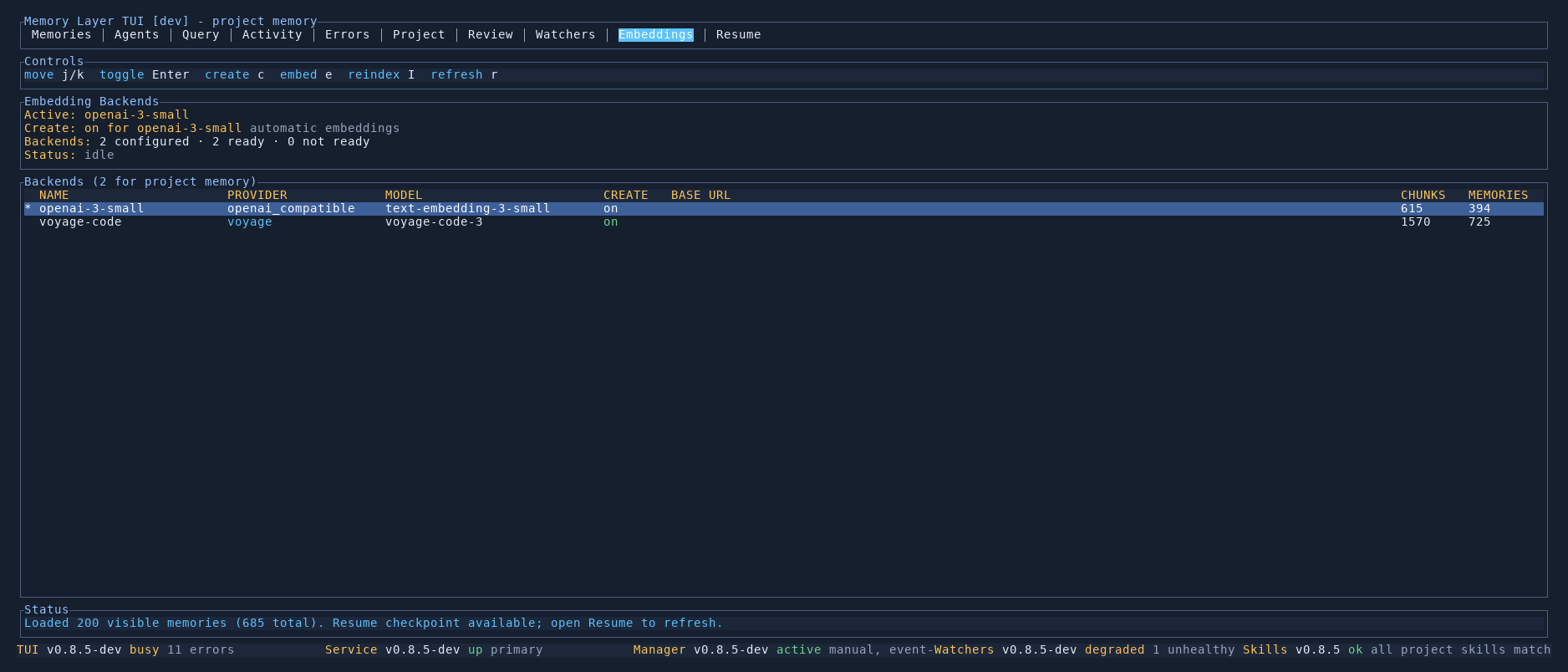
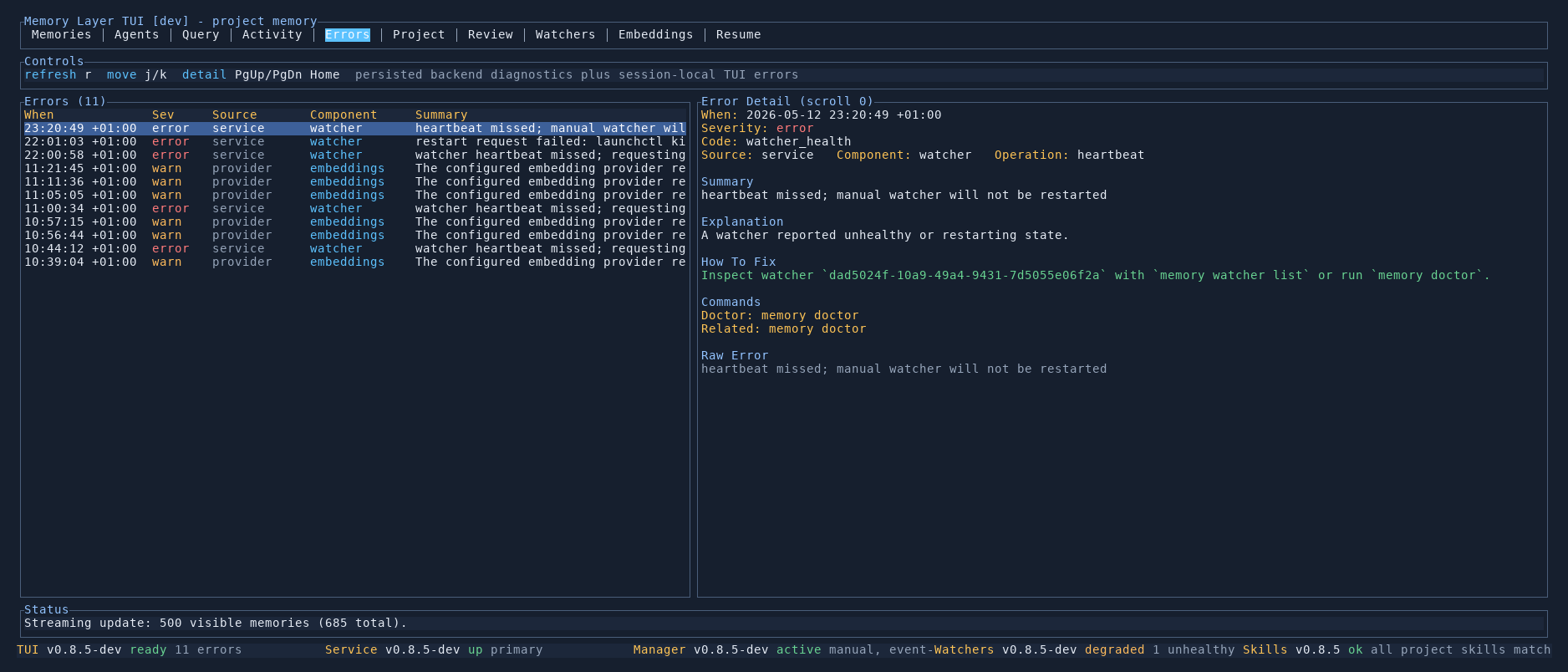
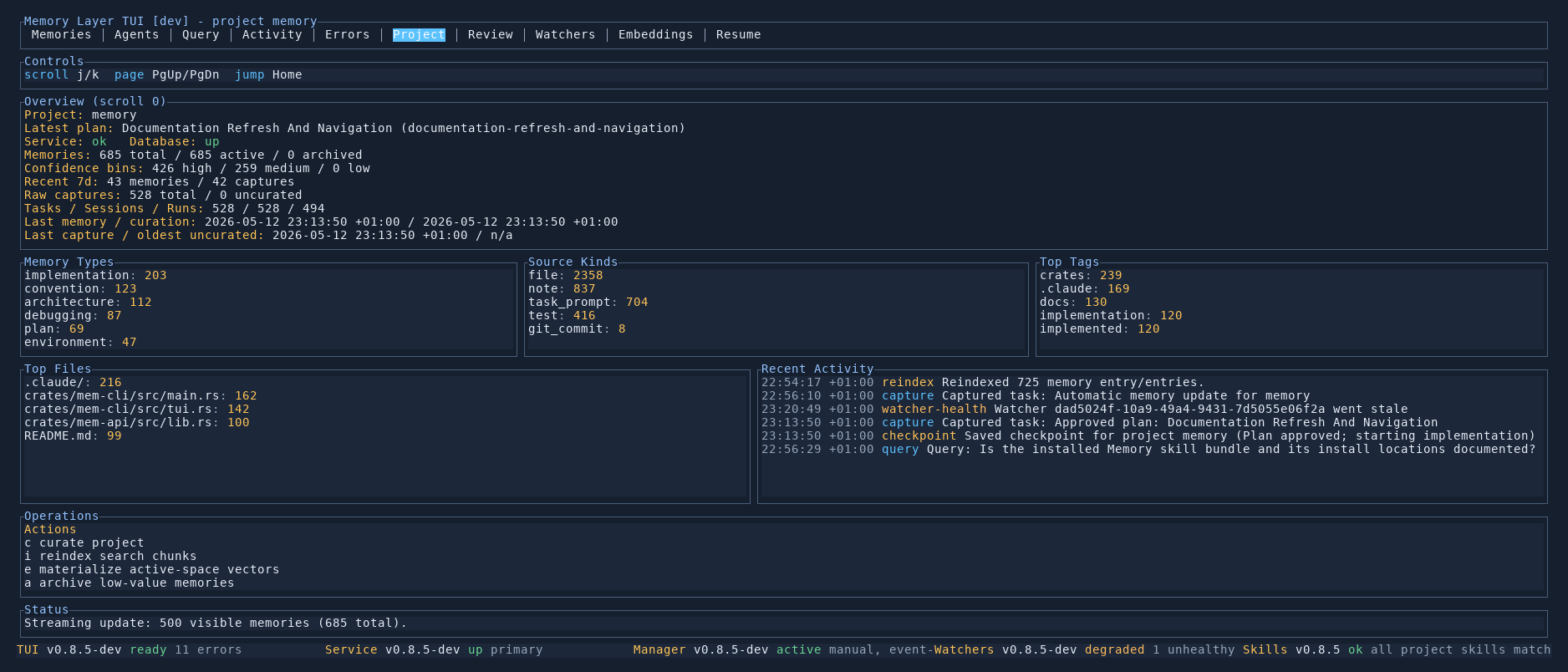
The TUI is a full dashboard for your project's memory. Use it to query memories and see ranked results with citations, browse every stored memory with its type, confidence, tags, and source, review replacement proposals before older knowledge is superseded, monitor active agents and watchers, trace activity events that feed the curation pipeline, and inspect embeddings and retrieval diagnostics.
If you prefer a browser surface with the same backend data, use the Browser UI.
Navigation
The tab bar at the top of the screen lets you switch between views. The status bar at the bottom is always visible and shows component health.
| Key | Action |
|---|---|
Tab / Shift+Tab | Cycle through tabs |
1–0 | Jump to a tab by position |
q | Quit the TUI |
? | Show help |
r | Refresh the current tab |
The persistent status bar shows the version and health of each component: TUI, Service, Manager, Watchers, and Skills. A healthy system shows ready / up / active / ok for each.
Each Tab Explained
Memories
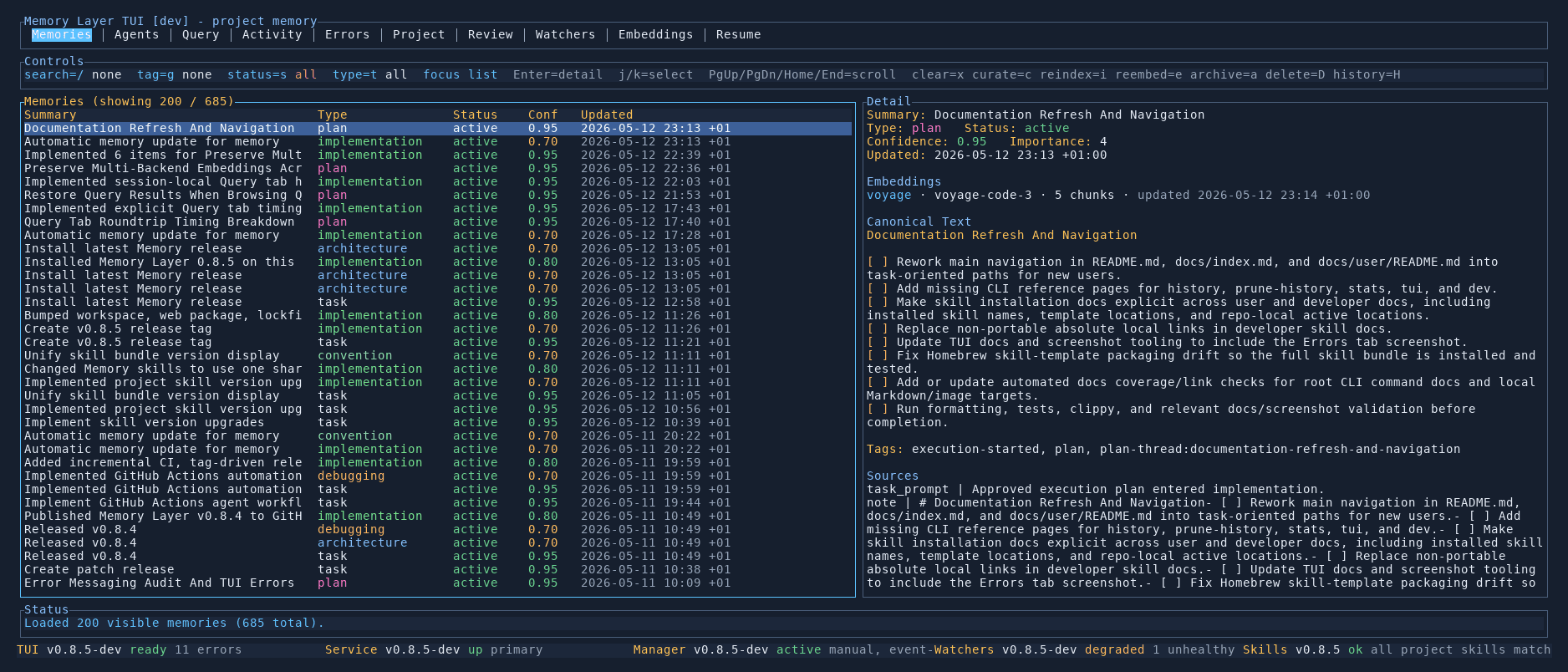
Browse, filter, and inspect every stored memory with a split list/detail view.
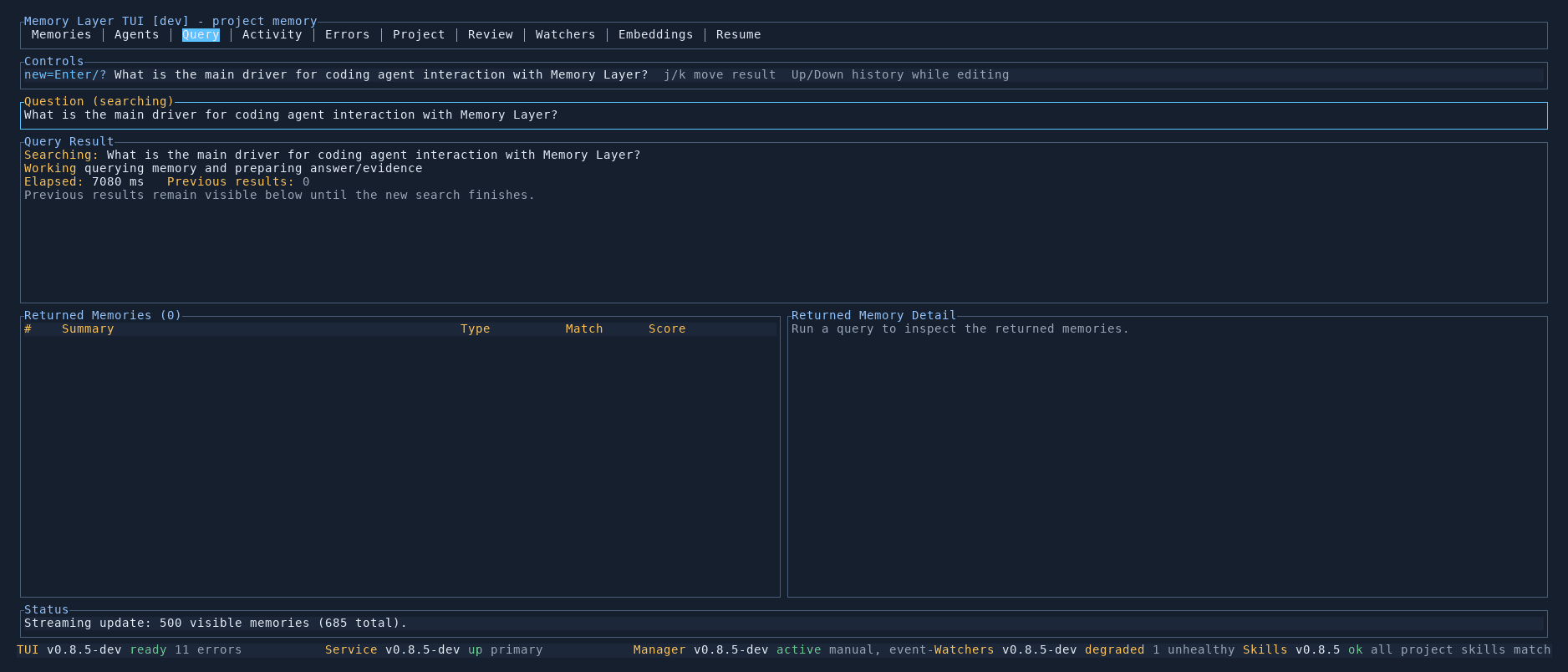
Query
Run natural-language questions and see ranked results with citations and scores.
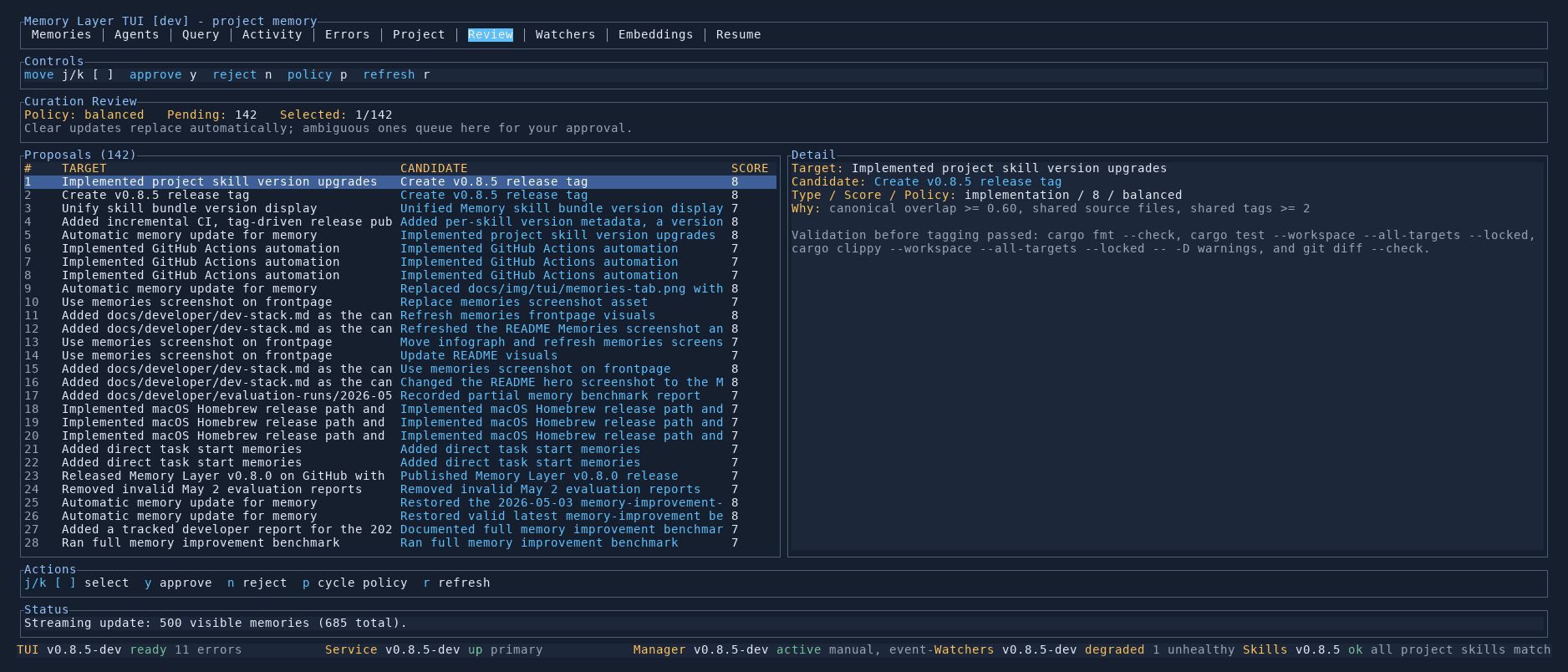
Review
Approve or reject curation proposals before older knowledge is superseded.
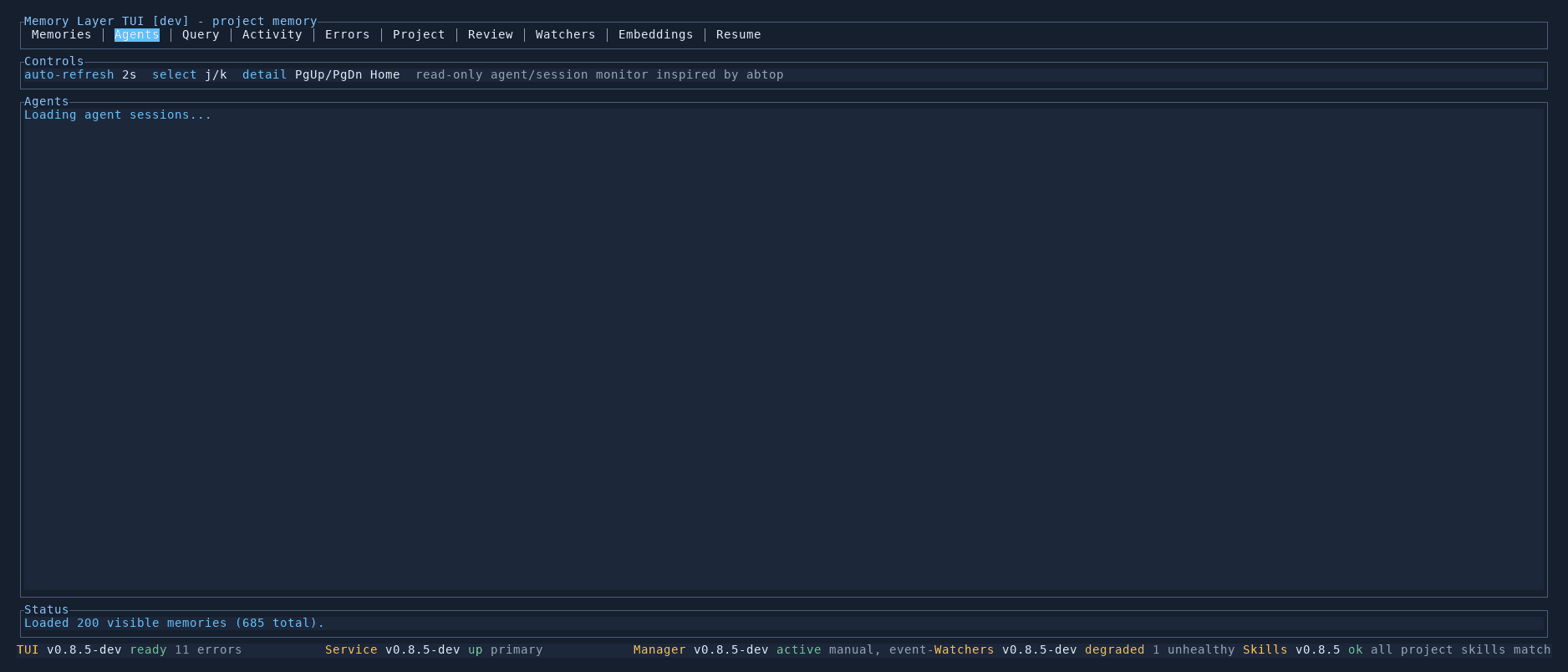
Agents
Monitor active agent and coding sessions in real time.
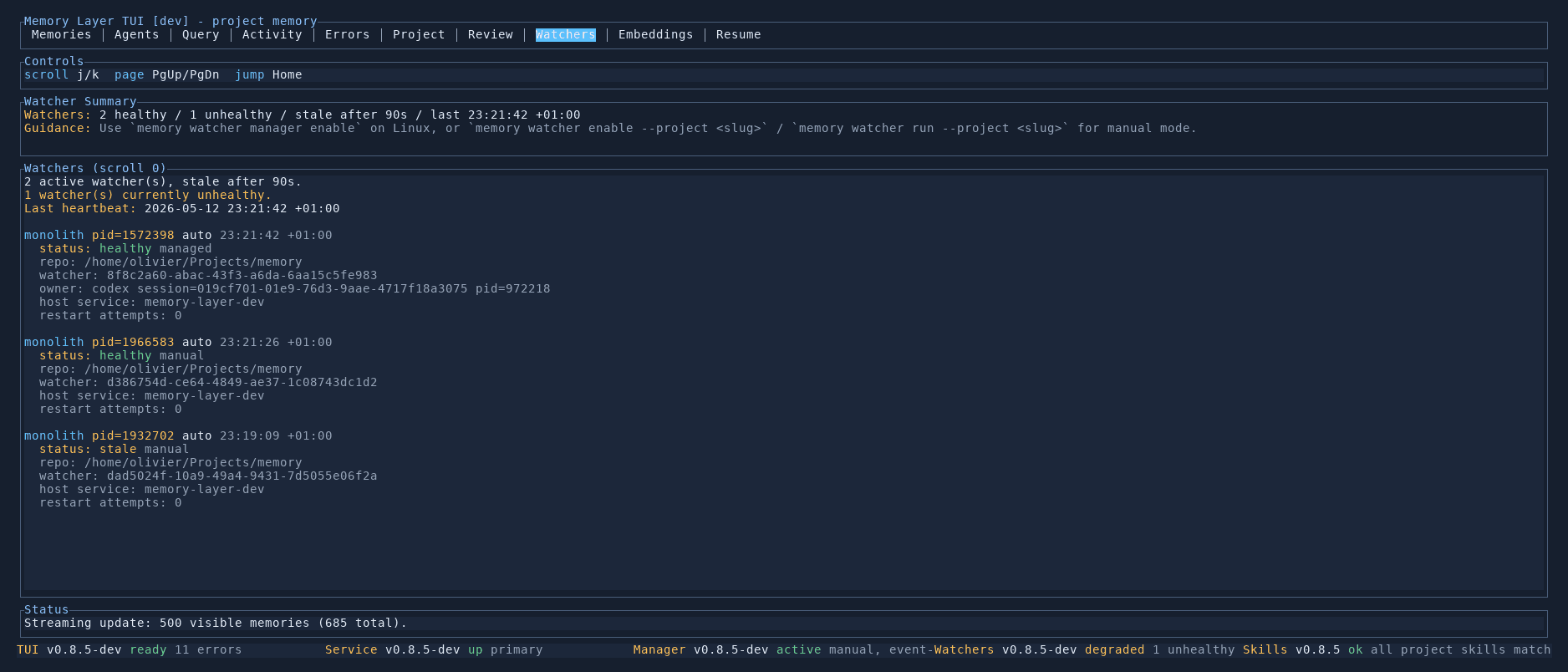
Watchers
Inspect background watchers, their health, PIDs, and owner sessions.
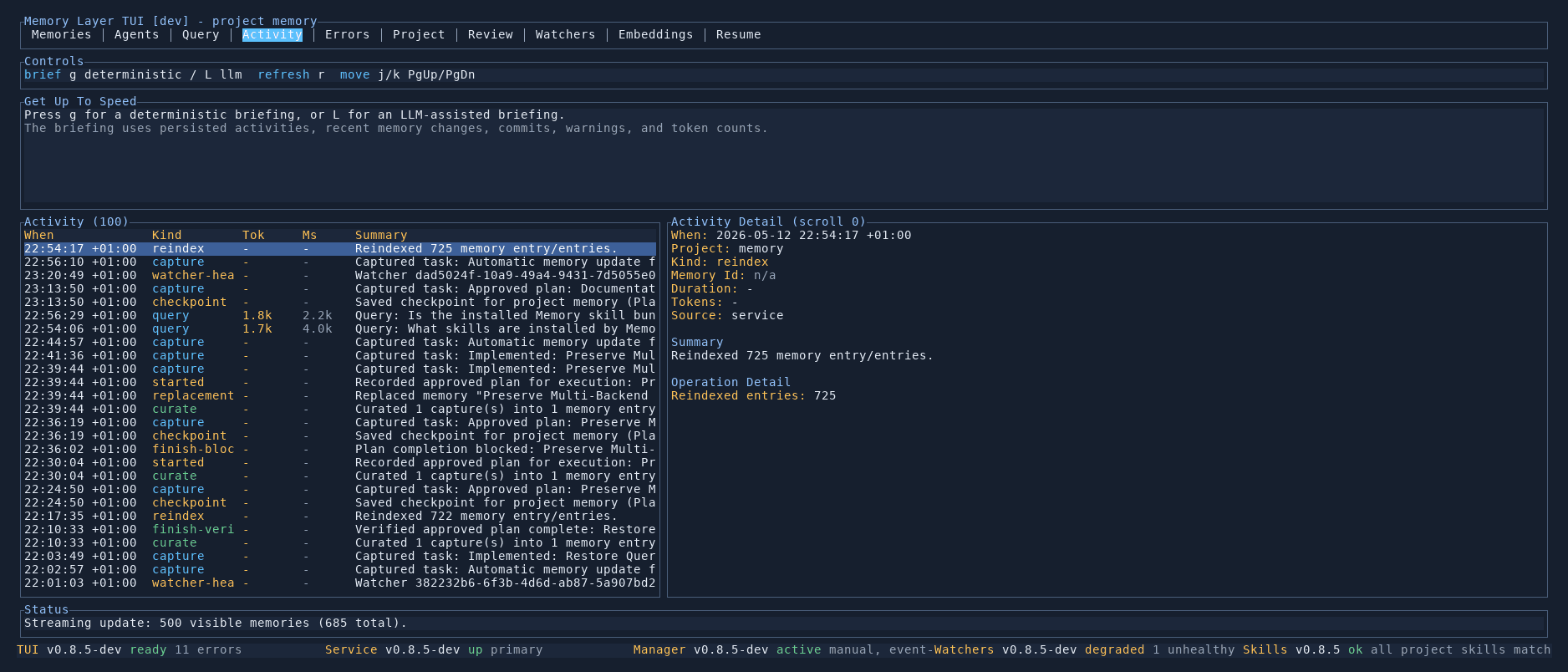
Activity
View a chronological log of captures, reindexes, queries, and other events.
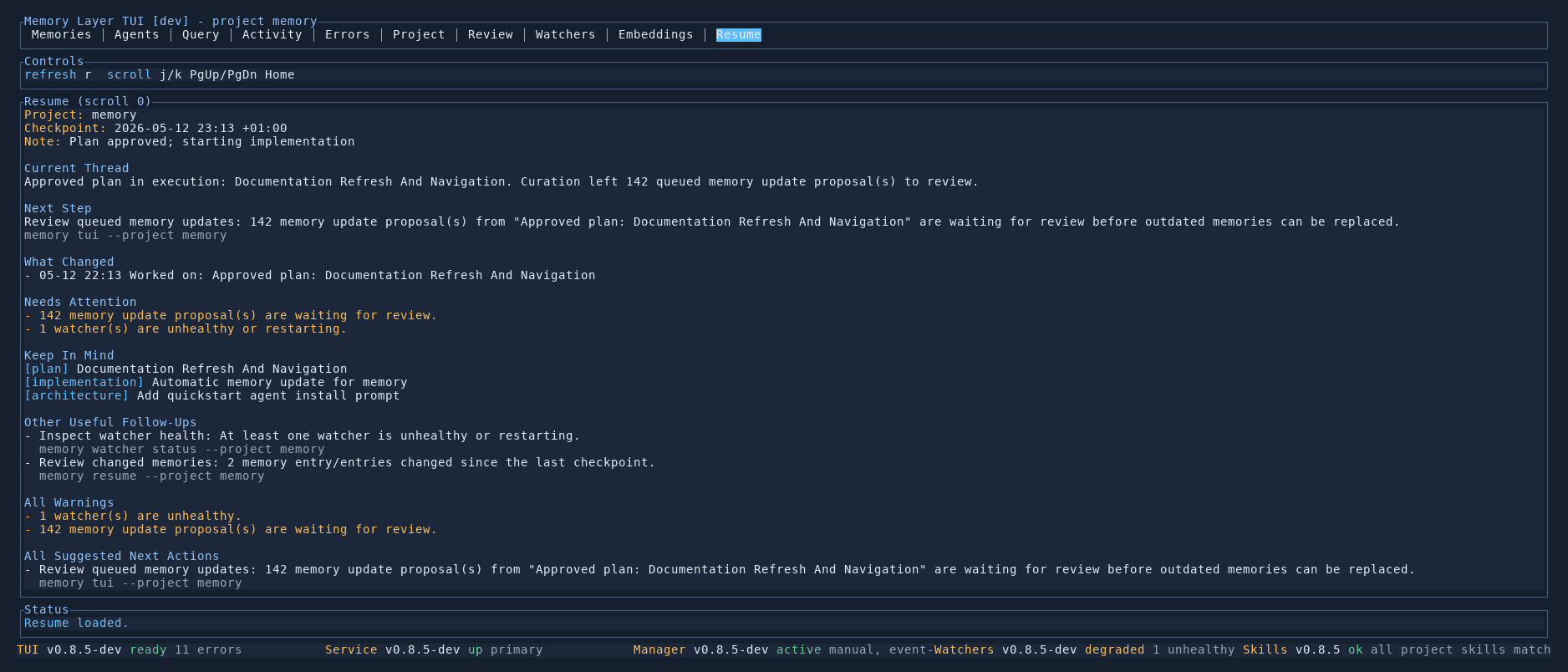
Resume
Get a structured briefing for resuming work after an interruption.
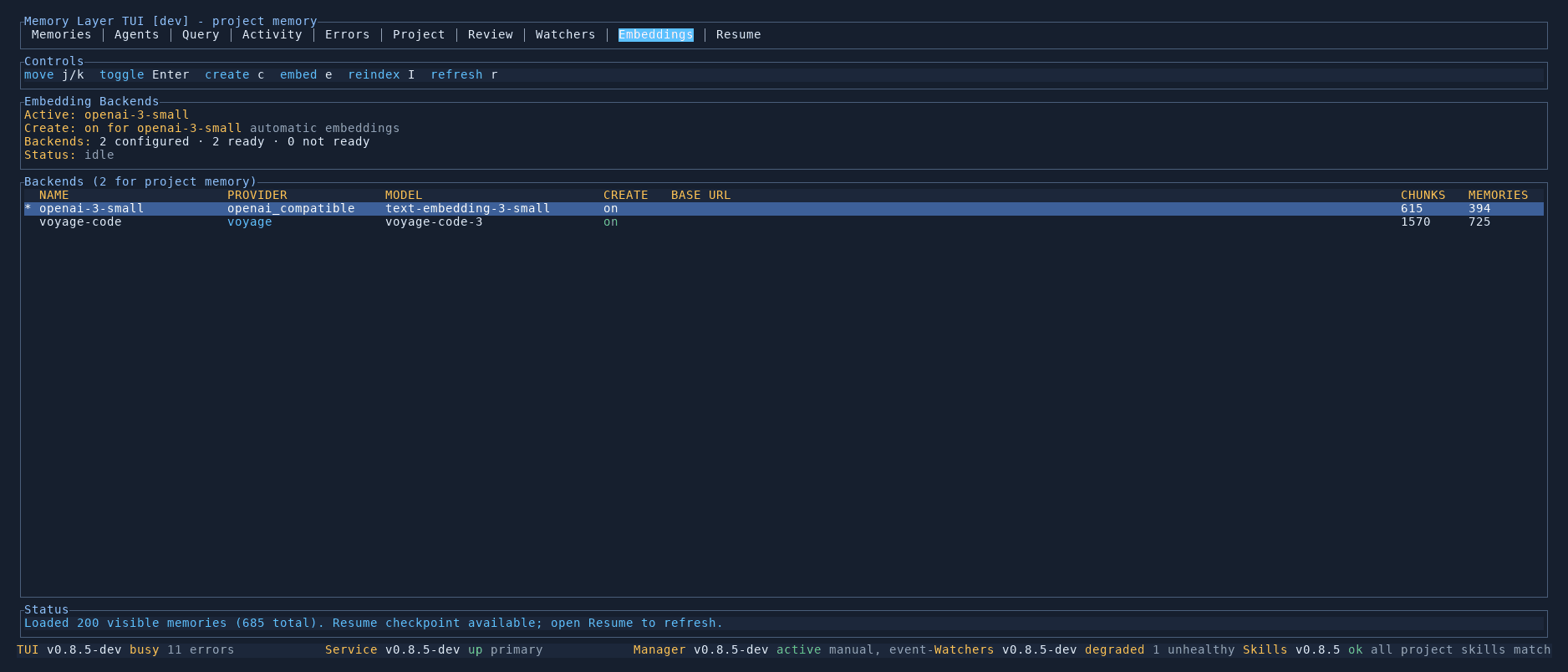
Embeddings
Manage embedding backends, view chunk counts, and trigger reindexing.
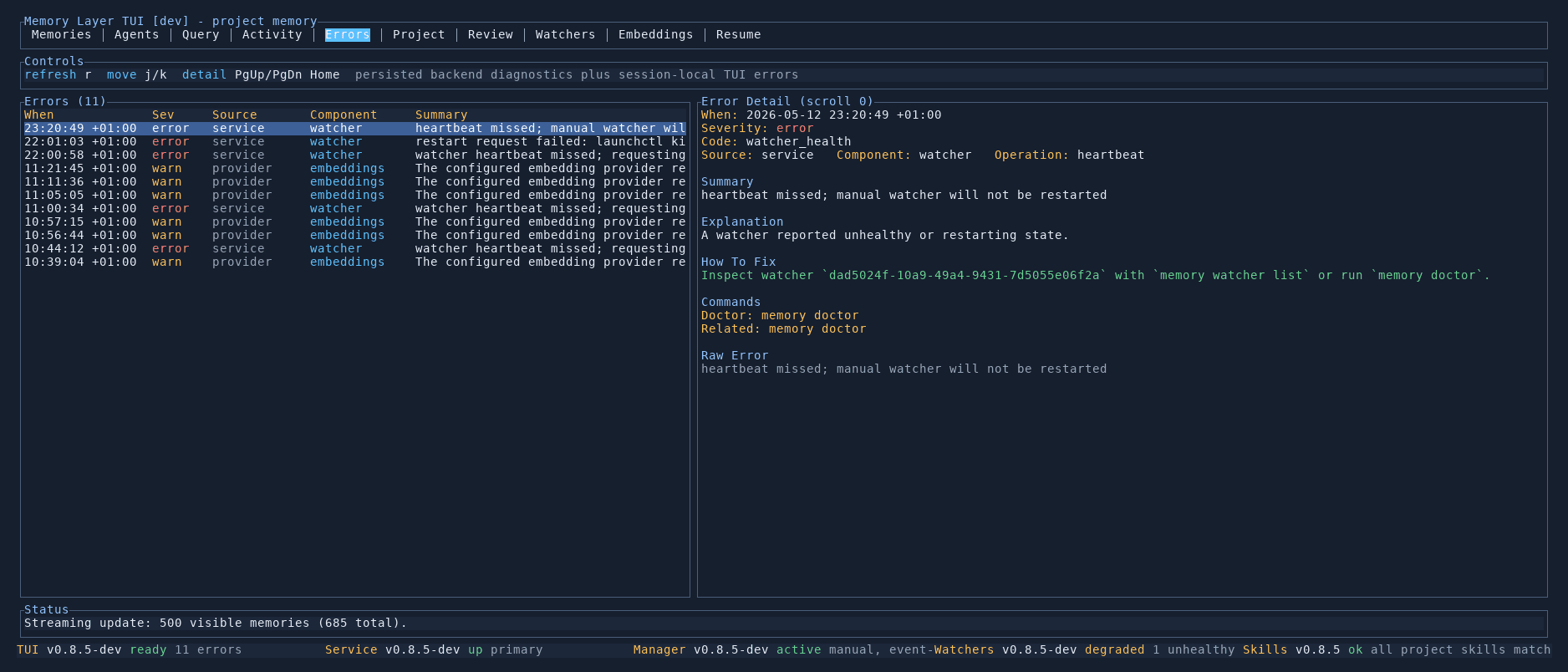
Errors
Inspect backend diagnostics with actionable remediation guidance.
Project
Dashboard with statistics, type breakdowns, top files, and maintenance operations.